FlyCart
The Cart That Converts, Every Time
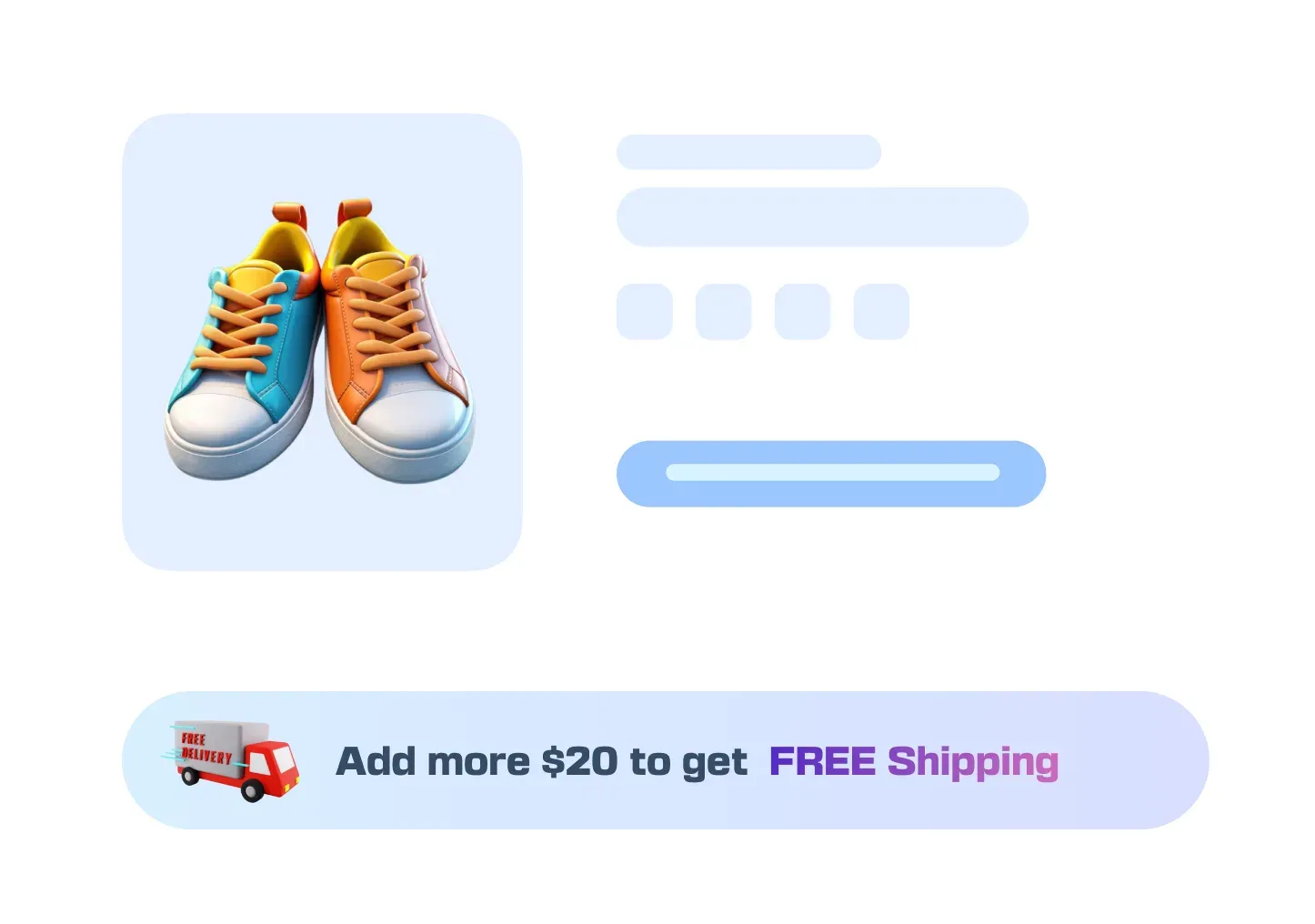
Motivate customers to add more to their cart with a dynamic free shipping progress bar. A simple, powerful way to boost your average order value.
A Modern Experience,
Not Just a Cart.
You get total control over a shopping flow that feels intuitive
to your customers and is engineered to keep them on your
site and reduce cart abandonment.
Centered Popup Layout (Pro)
Go beyond the side cart with an elegant, centered popup layout for a different feel.
Auto-Open Panel (Pro)
Set the cart to slide open automatically the moment an item is added, providing instant, satisfying feedback.
In-Cart Coupon (Pro)
The ultimate convenience. Allow customers to enter and apply discount codes directly inside the Fly Cart.
More Icon Positions (Pro)
Gain two extra positions – Center Right and Center Left – for pixel-perfect placement on any theme.
Sleek Layout
A stylish Side Cart that provides a clean overview of the order without a page reload.
Icon Positioning
Place the cart icon where it works best for your layout: bottom-right, top-right, top-left, or bottom-left.
Content Control
You decide what to show. Toggle the visibility of the product image, remove the icon, quantity picker, and price.
Basic Brand Styling
Select from our pre-made icons and customize the colors for buttons, icon, and widget background to match your store.
Your Cart Is a Dead End,
Not a Shopping Cart.
Every time a shopper leaves a product page to visit their cart, you risk losing the sale for good. That journey is full of friction and second thoughts, which stops a shopper from completing their purchase.
You’re Breaking Their Buying Trance
ProblemA separate cart page breaks the shopping flow. It cools excitement and turns a buying mindset into a rethinking one.
The FixThe Fly Cart slides into view without interrupting them. They add an item, see it instantly, and keep shopping.

You’re Making Simple Actions Difficult
ProblemApplying a coupon is a frustrating, multi-step process. Customers have to leave the cart and hunt for the field.
The FixOur Fly Cart lets users apply coupons directly in the side cart. This removes a major step and reduces friction.

Your Store Feels a Decade Old
ProblemShoppers expect slick, modern experiences. A full page reload to view a cart feels ancient and untrustworthy.
The FixOur Fly Cart delivers the smooth, instant feedback customers expect. It’s a pro touch that builds trust and credibility.

FAQ
Check out our frequently asked questions. Feel free to Contact us if your question isn’t listed
Can customers apply coupons directly in the Fly Cart?
With the Pro version, yes. And you should absolutely want them to. It removes a major point of friction. The free version requires them to wait until the checkout page.
Can I change the cart icon’s position?
Yes. The free version includes four corner positions. If you’re a perfectionist and need it centered on the side of the screen, the Pro version adds two more locations for complete control.
Will this slow down my site?
No. The fly cart from StoreGrowth designed to make your store feel faster by eliminating page reloads. The code is clean and efficient.
Does this work on mobile devices?
Of course. It was designed with mobile shoppers as the priority. It provides a fluid, app-like experience on any screen size.
What’s the difference between the Side Cart and the Centered Popup?
The Side Cart is a panel that slides out from the side of the screen. The Centered Popup (a Pro feature) is a modal window that appears in the middle of the screen. It’s a matter of aesthetic preference; both provide a far better experience than a standard cart page.

Ready to Stop Pushing Your Customers Away?
Join 10,000+ smart stores solving their biggest growth challenges. Get the results you want, risk-free for 14 days.