Sales Countdown Timer
Create Urgency, Drive Last-Minute Sales
Turn your passive offer into a time-sensitive event. A countdown timer provides the visual deadline needed to convince shoppers to buy now.
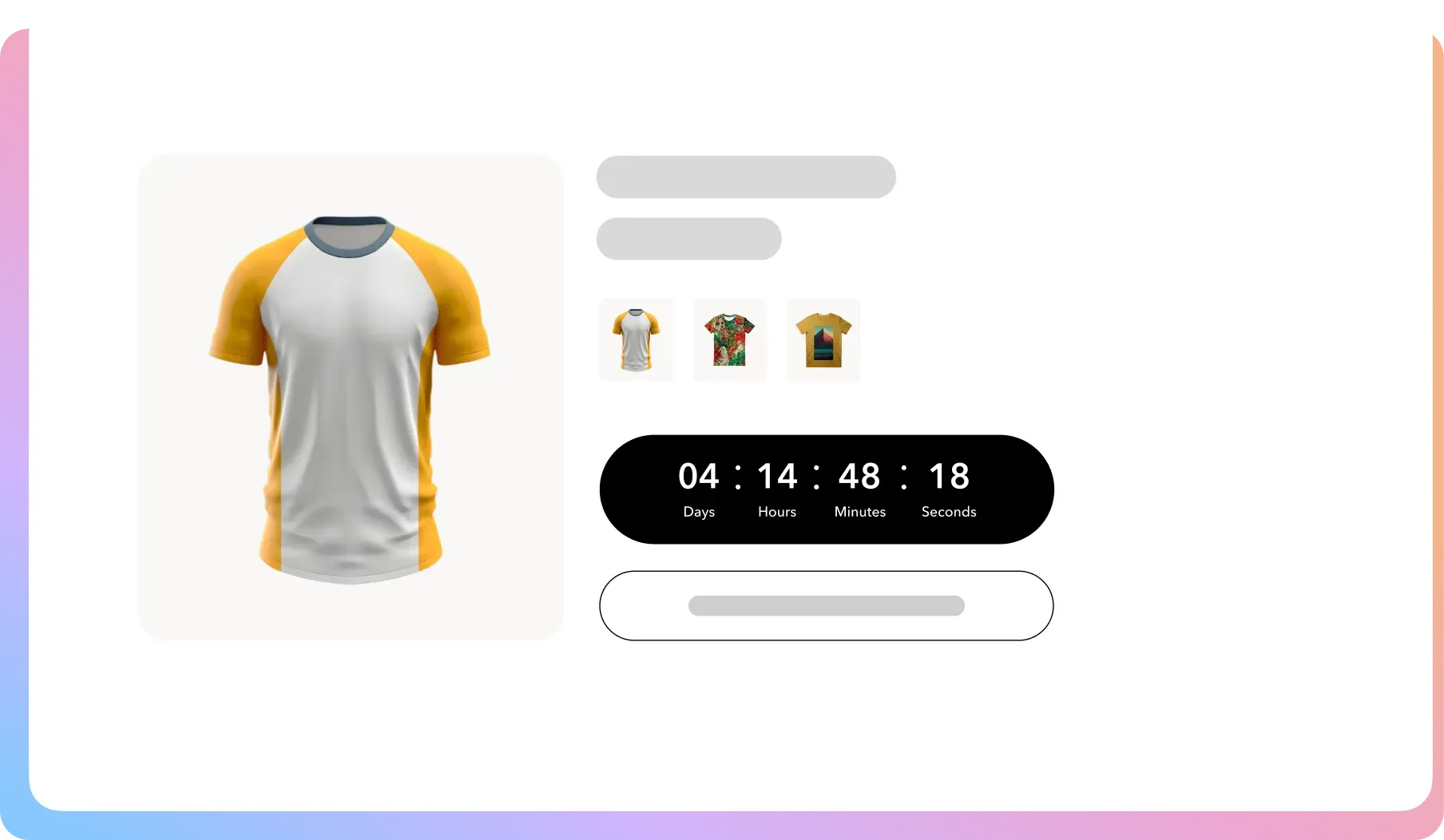
A Professional Urgency Toolkit
Get all the tools you need to create visually appealing, high-impact countdown timers that drive action and look great on your WooCommerce store.
Core Timer Functionality
Create as many different countdown timers as you need for various products or sales events.
Product Page Display
Place a countdown timer directly on any individual WooCommerce product page to create urgency at the point of decision.
Custom Heading Text
Add a custom message directly above your timer, like “Sale Ends In:” or “25% Off Until:”.
Brand Color Matching
Customize the background, border, heading text, and counter background color to align with your branding.
Advanced Color Control (Pro)
Get granular control over every color, including the text for days, hours, minutes, and seconds, plus the counter’s border.
Font Selection
Choose the font family for your timer’s text to ensure it integrates seamlessly with your theme’s typography.
Shop Page Display (Pro)
Massively increase visibility by displaying your countdown timer directly on product listings on the main shop and category pages.
Turn Procrastination
into Profit
If you give customers forever to decide, they will. A promotion needs a “why now” factor. Without a deadline, your sale is just a suggestion. Here’s how to turn it into a compelling event.
Your Promotions Lack a Compelling Reason to Act Now
ProblemYour “20% Off” banner informs customers of a deal, but it doesn’t provide a catalyst for immediate action.
The FixA ticking clock triggers a natural fear of missing out (FOMO) and shifts a customer from passive browsing to active buying.

Your Featured Products Are Getting Ignored
ProblemOn a busy shop page with dozens of other items, your most important products can easily get lost in the noise.
The FixPro lets you display timers on the main shop page, turning a standard product into a high-visibility, urgent offer.

Your Urgency Tactics Look Unprofessional
ProblemMany urgency tools look cheap or clunky. A poorly designed timer can make your entire brand feel less credible.
The FixOur timer is designed to look clean and professional. Full design control ensures it integrates perfectly with your brand.

FAQ
Check out our frequently asked questions. Feel free to Contact us if your question isn’t listed
Can I display a timer on my main shop page, not just the product page?
Yes, this is a key feature of the Pro version. It allows you to add a timer to products directly on your shop and category pages for maximum visibility and impact.
How many timers can I create? Is there a limit?
There is no limit. You can create as many unique countdown timers as you need for different products, categories, or store-wide sales events.
Can I customize the colors and fonts to match my brand?
Yes. The free version includes controls for the main colors and font family. The Pro version unlocks advanced controls, giving you the ability to customize the color of every single text and border element for a pixel-perfect design.
What happens when the timer reaches zero?
Once the countdown ends, the timer will disappear from the page automatically. You can coordinate your sale’s end time in your WooCommerce settings with the timer’s end time.
Can I add my own text message above the timer?
Absolutely. You can add a custom heading above any timer to provide context, such as “Deal Expires In:” or “Flash Sale Ends:”.

Ready to Make Every
Second Count?
Join 10,000+ smart stores solving their biggest growth challenges. Get the results you want, risk-free for 14 days.