Sales Notification
Show Live Sales, Build Instant Trust
We trust busy stores. Sales Notifications create that same social proof online by showing a live feed of recent purchases. This tells visitors: “People are buying here. Don’t miss out.”
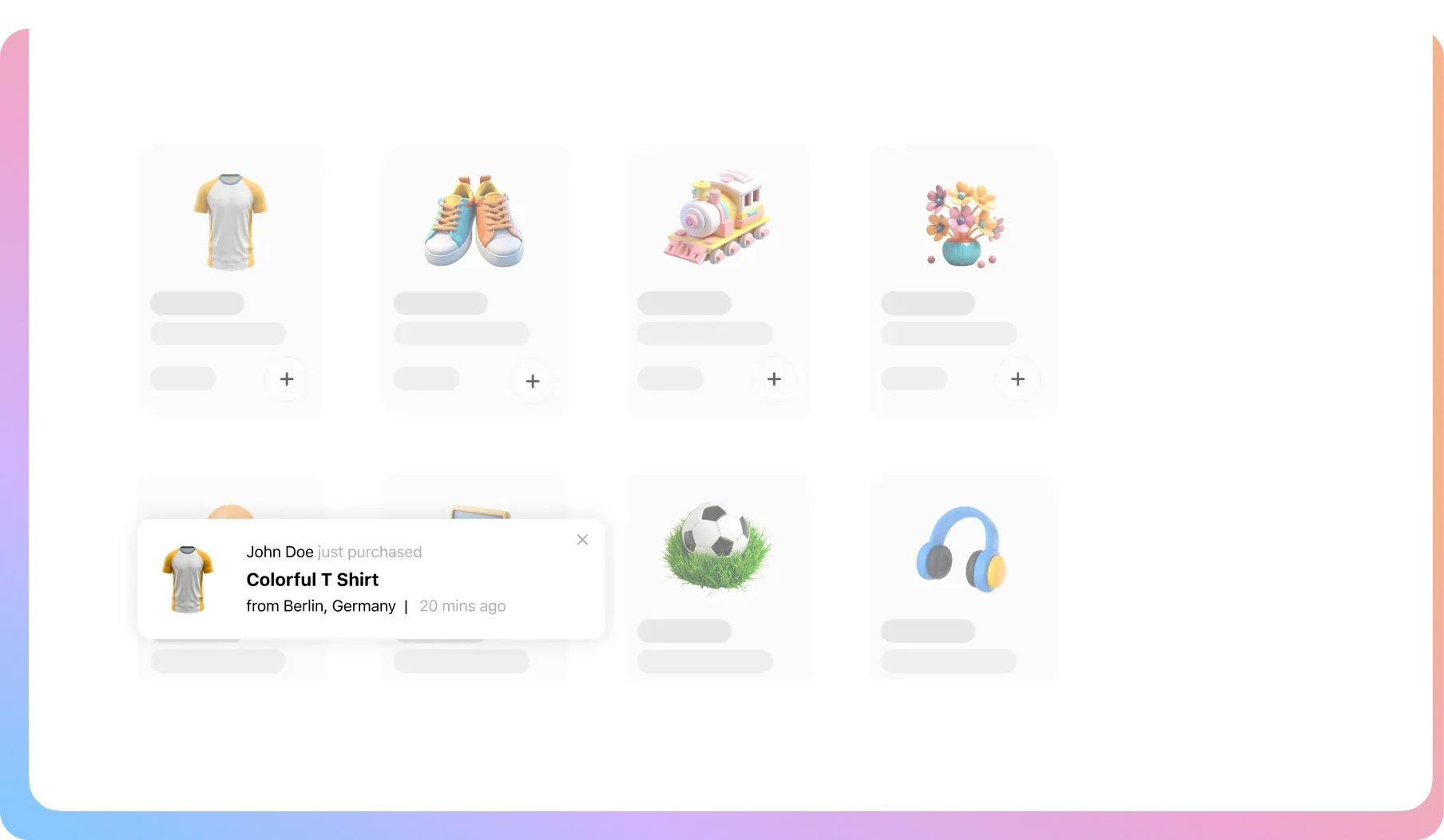
Complete Control Over Your Store’s Atmosphere
These settings let you craft the perfect level of social proof, from subtle
nudges to a full-blown busy-store feeling that drives sales.
Use Real or Virtual Purchases
Display your actual recent sales, or create a virtual list of purchases to ensure your store always looks active.
Pre-Designed Templates
Get started in seconds with clean, professional popup templates that look great on any WooCommerce store.
Product Targeting
Show notifications for random products to showcase your catalog, or focus on specific items you want to promote.
Clickable Notifications (Pro)
Link the product image in the popup directly to its page, creating a seamless path from interest to purchase.
Create Custom Messages (Pro)
Don’t just show sales. Use the popup to announce promotions or a welcome message. It’s a flexible announcement tool.
Advanced Popup Styling (Pro)
Control every aspect of the design, including the popup’s background, position on the screen, and overall width.
Image & Font Customization (Pro)
Adjust image spacing and radius, and customize the color and font for every piece of text to perfectly match your brand.
Device & Page Targeting (Pro)
Show notifications only on desktop, mobile, or specific pages. Create a different strategy for your homepage vs. product pages.
Precision Timing (Pro)
Dictate exactly how popups behave. Control the looping, display duration, initial delay, and the max number per page.
Your Store’s Silence Is
Costing You Sales
You have seconds to build trust with a new visitor. A quiet store with no signs of activity is a major red flag that sends potential customers searching for your competitors.
New Visitors Don’t Inherently Trust You
ProblemA new visitor sees a quiet page with no signs of life. They need proof that others shop there before they will risk it.
The FixA simple popup says, “Jane just bought a T-Shirt!” This social proof instantly shows your store is active and safe.
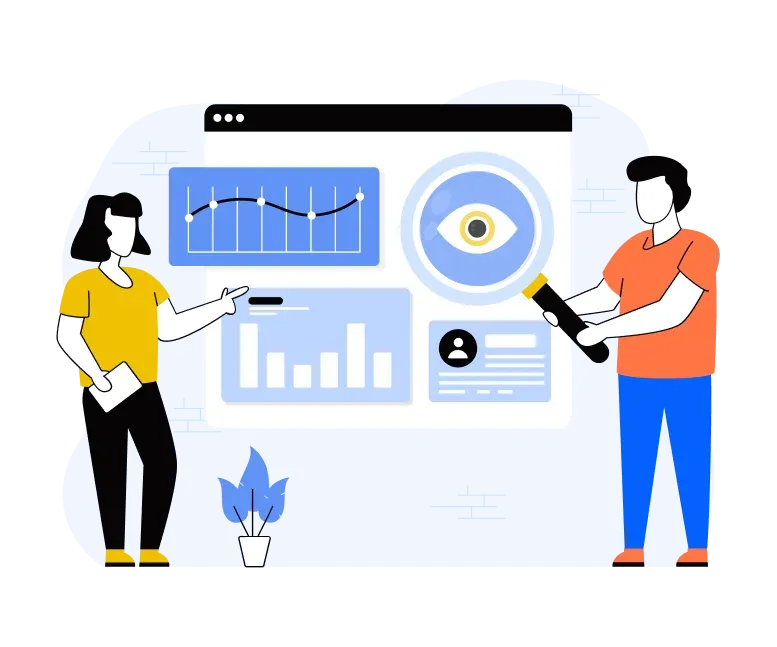
Shoppers Hesitate and Then Forget
ProblemA customer likes a product but isn’t 100% sure. They hesitate, move on, and the potential sale is lost forever.
The FixSeeing others buy the same item creates powerful FOMO. It validates their choice and gives them the final nudge to buy now.
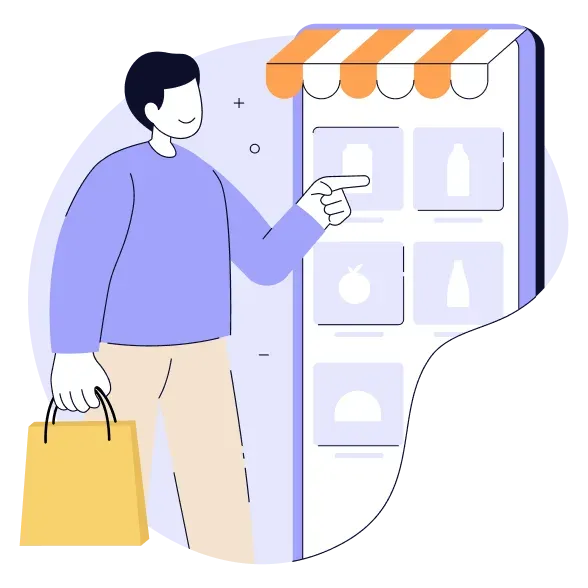
Your Best Products Go Undiscovered
ProblemMost shoppers only see a fraction of your catalog. They can easily miss your most interesting or profitable items.
The FixThese notifications are a discovery engine. A popup for a popular handbag can prompt a shoe-browser to explore more.
FAQ
Check out our frequently asked questions. Feel free to Contact us if your question isn’t listed
Do the notifications have to be for real sales?
No. While you can use your real order data, you can also create a list of virtual names, locations, and products. This ensures your store looks busy and credible 24/7, even if you’re just starting out.
What about customer privacy? Do you display real names and locations?
No. We would never expose your customers’ private data. When using real order data, the system only pulls the product that was purchased. All personal details like names and locations are always pulled from the safe, virtual lists that you control. Your customers’ privacy is never compromised.
Can I control where and how often they appear?
With the Pro version, you have complete control. You can set them to only show on the homepage, to appear after a 5-second delay, to limit them to 10 per page, and much more. You design the exact experience.
Will this look bad or be annoying on mobile?
No. The popups are responsive. With a Pro license, you can even choose to disable them entirely on mobile or create a different, mobile-specific strategy to ensure the best experience for those users.
How much can I customize the design?
The free version includes clean templates. The Pro version unlocks full design control. You can change every color, font size, and spacing element to ensure the notifications look like a natural, professional part of your brand.

Ready to Look as Popular as You Deserve to Be?
Join 10,000+ smart stores solving their biggest growth challenges. Get the results you want, risk-free for 14 days.