Stock Count Bar
Stop Selling Products. Start Selling FOMO.
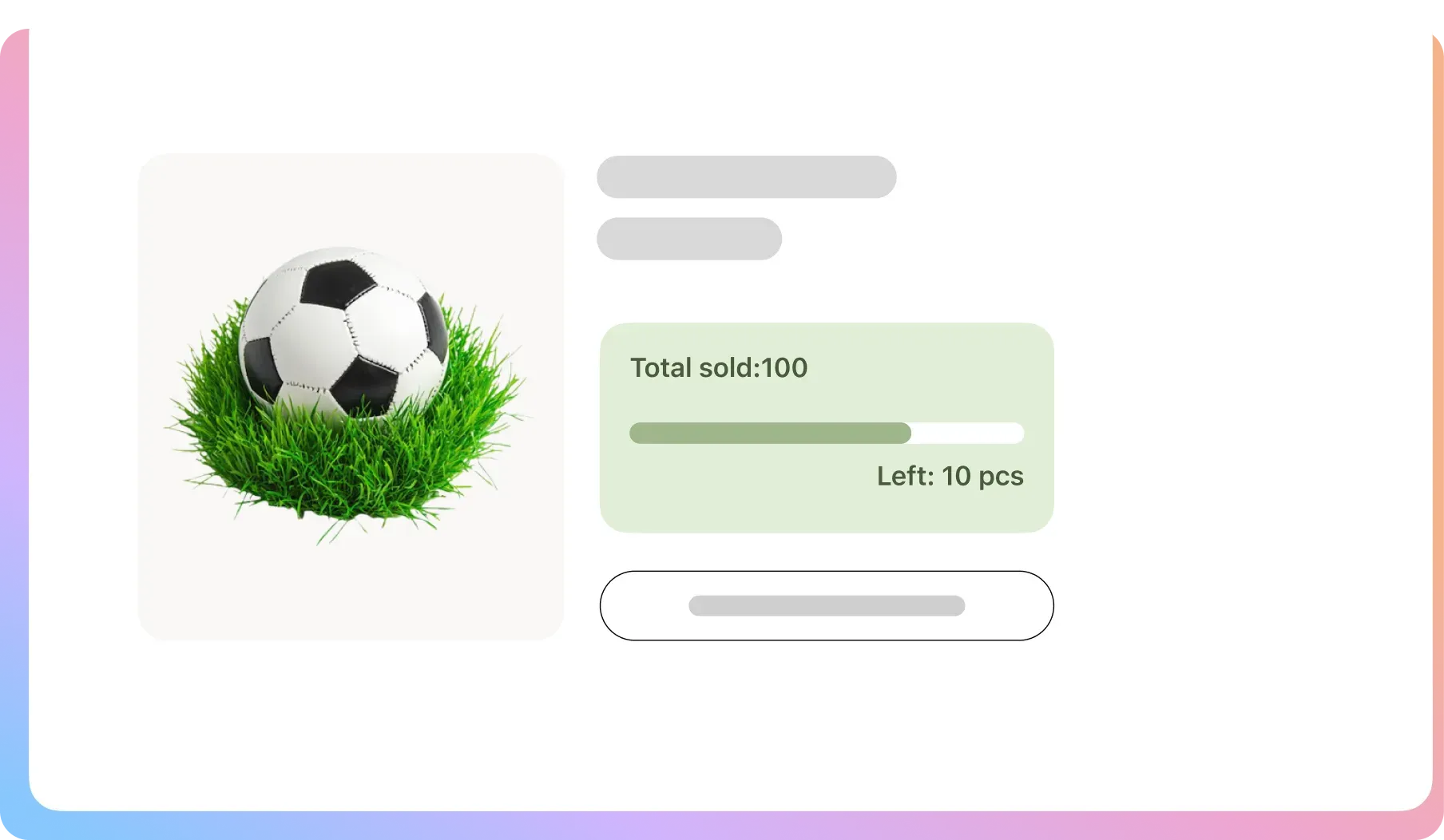
Turn your inventory level into your most persuasive salesperson. The Stock Count Bar creates authentic scarcity that motivates shoppers to buy now.
The Definitive Scarcity Toolkit
Get all the features you need to create clear, professional, and highly
motivating scarcity appeals on your product and shop pages.
Product Page Display
Show the stock bar on your individual product pages to create urgency once a customer is already interested.
Basic Bar Styling
Easily change the foreground and border color of the stock bar to match your basic brand needs.
Stock Status Message
Choose to show or hide the text message that accompanies the progress bar for a cleaner look.
Shop Page Display (Pro)
Add stock bars to your product listings on the main shop and category pages to highlight popular items.
Real-Time Variation (Pro)
The stock bar instantly updates to show the correct inventory when a shopper selects a specific variation.
Custom Messaging (Pro)
Change the text to say anything you want, like “Only {quantity} spots left!” or “Claimed: {sold_count}”.
Minimum Threshold (Pro)
Set the bar to only appear after your stock drops below a certain number, keeping your site clean.
Advanced Bar Styling (Pro)
Get full control over the bar’s color and height for a pixel-perfect design that matches your brand.
Text Positioning & Styling (Pro)
Choose to place the stock text above or below the bar and customize its color separately for a unique look.
Turn Stock Scarcity into Revenue
If a customer believes a product will be available forever, they have no reason to purchase it today. This leads to procrastination and forgotten sales. You need to create a compelling reason for immediate action.
Your Popular Products Have No Urgency
ProblemA customer likes your best-seller but assumes it will always be there. They bookmark it for “later” and never return.
The FixA bar showing “Only 7 left!” creates instant urgency. It proves the item is in high demand and will not wait for them.

Customers Can’t Tell Which Items Are “Hot”
ProblemA new visitor can’t tell which products are best-sellers. Every item looks equally available, giving them no direction.
The FixPro displays the stock bar on your shop page. This social proof signals “this is a hot item,” driving more clicks.

Urgency Is Hidden Within Product Variations
ProblemA “Large” is almost sold out, but WooCommerce hides this. The urgency is lost until after a selection is made.
The FixPro updates the bar in real-time as shoppers select a size or color, creating targeted urgency at the moment of choice.

FAQ
Check out our frequently asked questions. Feel free to Contact us if your question isn’t listed
Does the bar sync with my actual WooCommerce inventory?
Yes. The Stock Count Bar reads directly from your WooCommerce stock levels for each product. As items are sold, the bar automatically and accurately reflects the remaining inventory.
Can I show the stock bar on my main shop page, not just the product page?
Absolutely. This is a key feature of the Pro version that allows you to showcase scarcity and social proof across your entire catalog, driving more clicks to your most popular items.
Can I change the text that says “X left in stock”?
Yes, the Pro version gives you full control over the stock status message. You can use dynamic variables like {quantity} and {sold_count} to write any custom message you want.
Can I set the bar to only appear when stock is actually low?
Yes. The Pro version includes a minimum quantity threshold. You can set it to, for example, only show the stock bar once the inventory for an item drops below 20 units.
Does this work for product variations like different sizes or colors?
Yes, this is a powerful Pro feature. The stock bar can update in real-time to reflect the inventory of the specific variation a customer selects.

Ready to Make Scarcity Your Greatest Sales Asset?
Join 10,000+ smart stores solving their biggest growth challenges. Get the results you want, risk-free for 14 days.