

Install FeedPulse on your store
This page walks you through installing FeedPulse from the Shopify App Store and finding your way around the setup checklist.
Install from the Shopify App Store
Section titled “Install from the Shopify App Store”Find FeedPulse in the Shopify App Store.
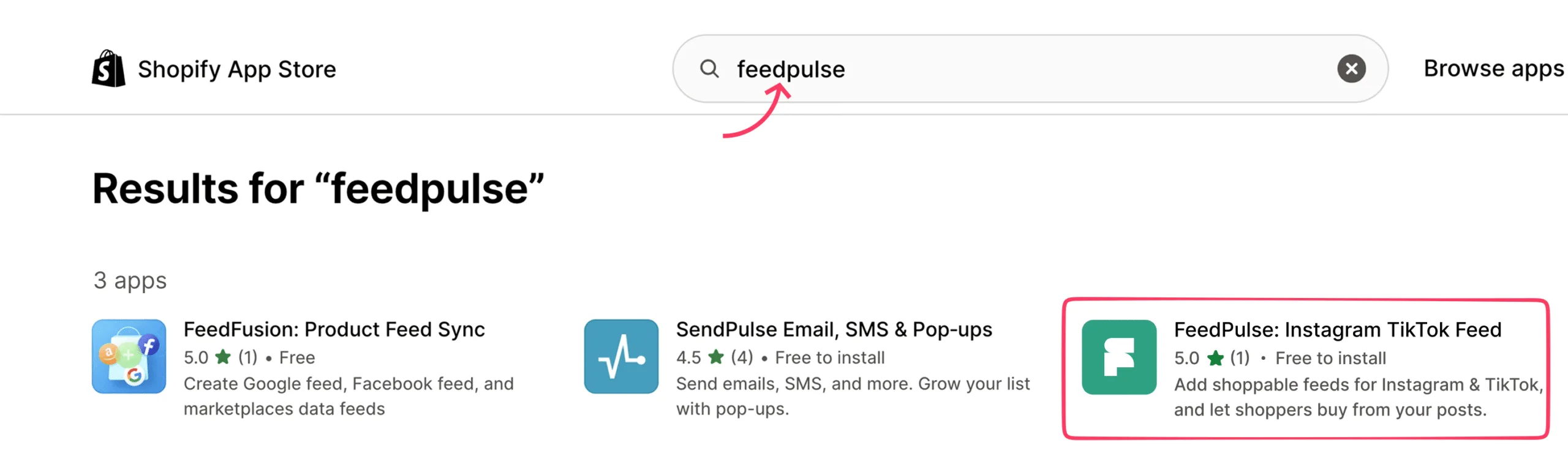
Choose the app and click Install, then approve the app for your store. The FeedPulse app is free to install.
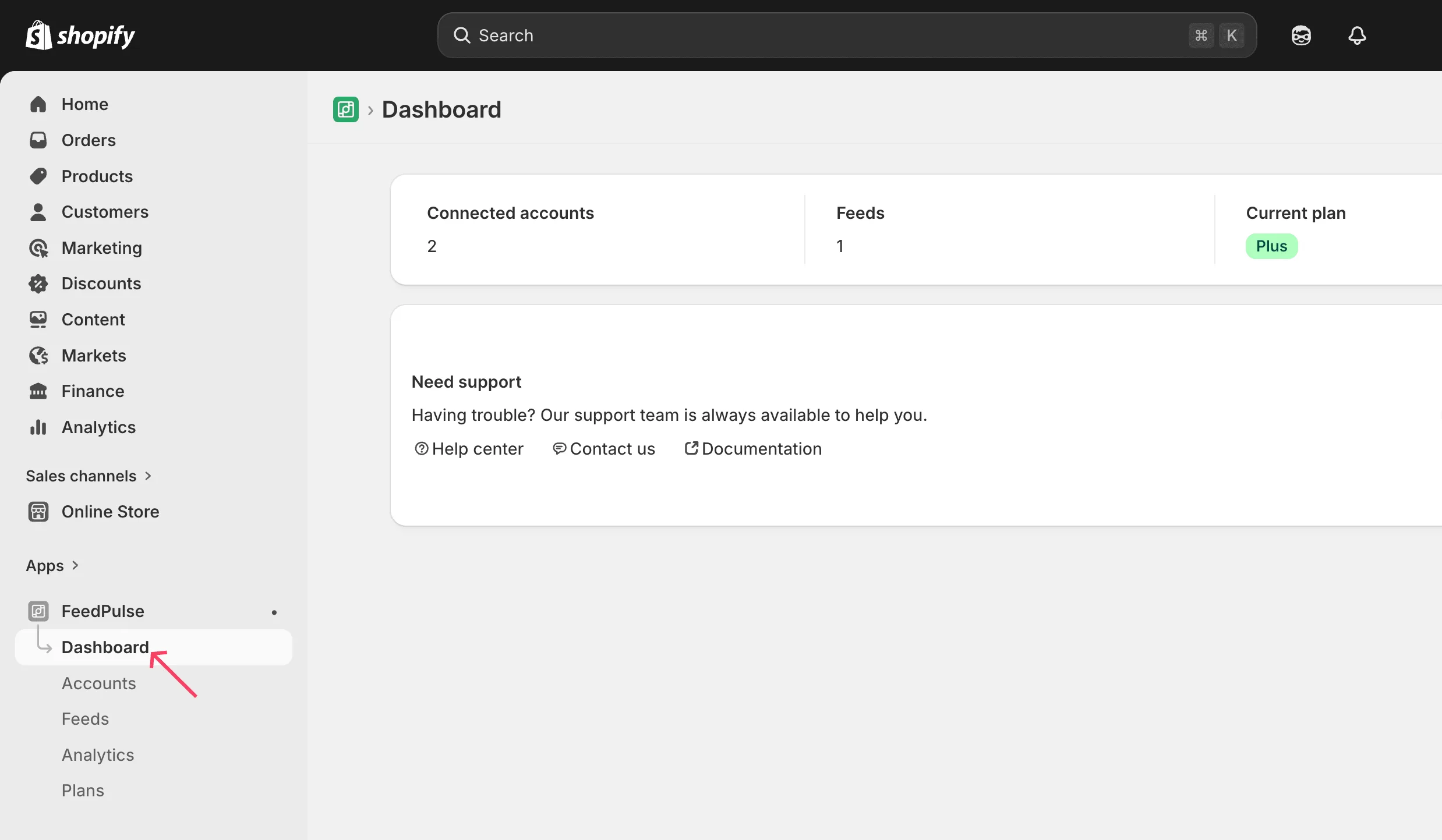
It opens inside your Shopify Admin, and you’ll land on the Dashboard.
The left sidebar has five tabs:
- Dashboard
- Accounts
- Feeds
- Analytics
- Plans
What the Dashboard shows once you’re set up
Section titled “What the Dashboard shows once you’re set up”After the installation is complete, connect your account, create feeds for that account, and add the feeds to your theme by placing them on a storefront page. This will display the feeds on your Shopify storefront.
After you complete all three steps, you’ll see an overview. From then on, the Dashboard shows your connected-account count, your total active feeds, and your current plan.
What’s next
Section titled “What’s next”Start with step two: Connect your Instagram and TikTok accounts.