

How to Generate Product Gallery Image
With the Try Aura plugin, you can select two (max 4) images from the gallery and combine them to create an attractive product image for your online store or website.
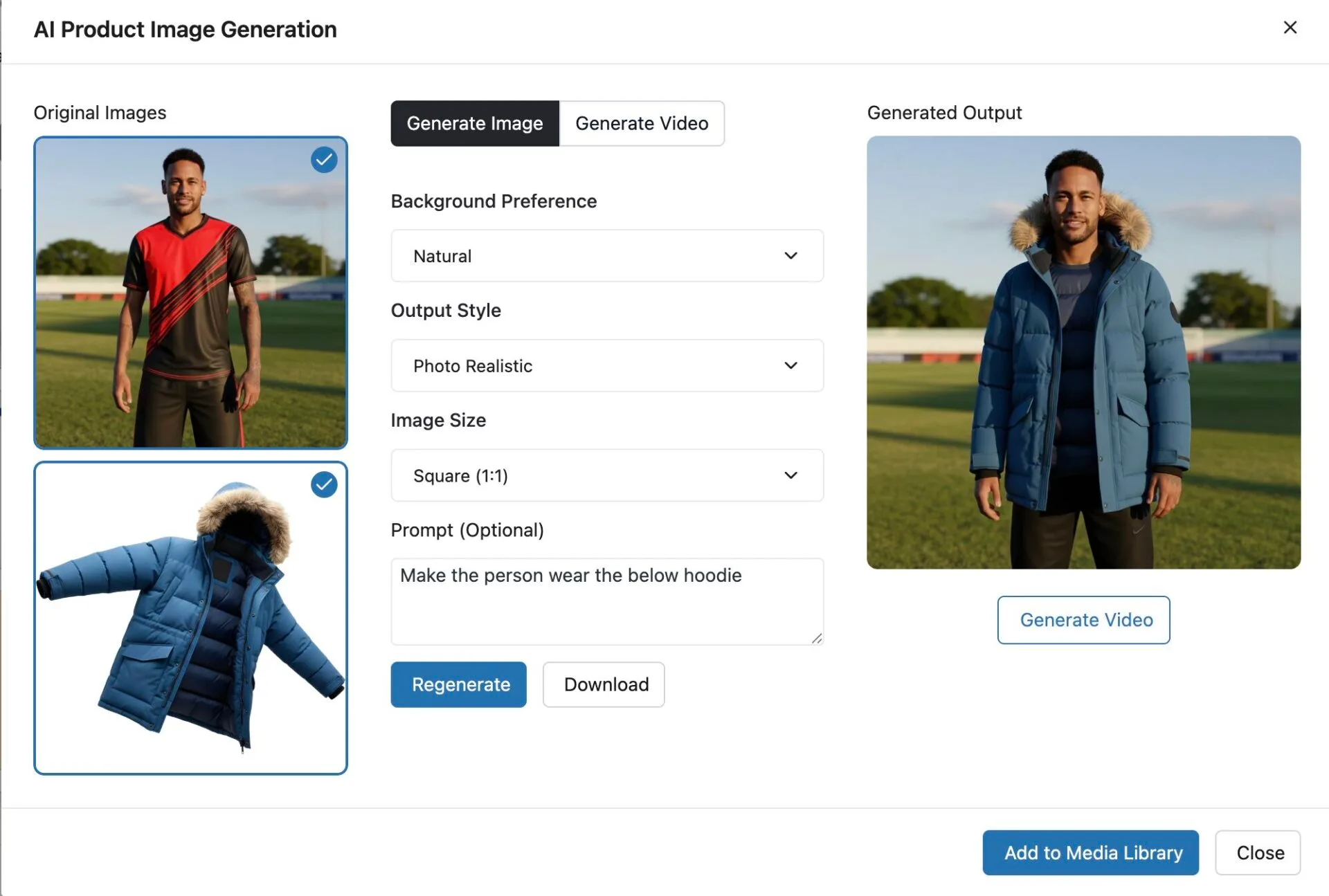
For example, you can take a random model image and the image of your shirt, and create an image in which the model is wearing your shirt.
Here is how to do that.
Note: You can do this for an old product or a new product.
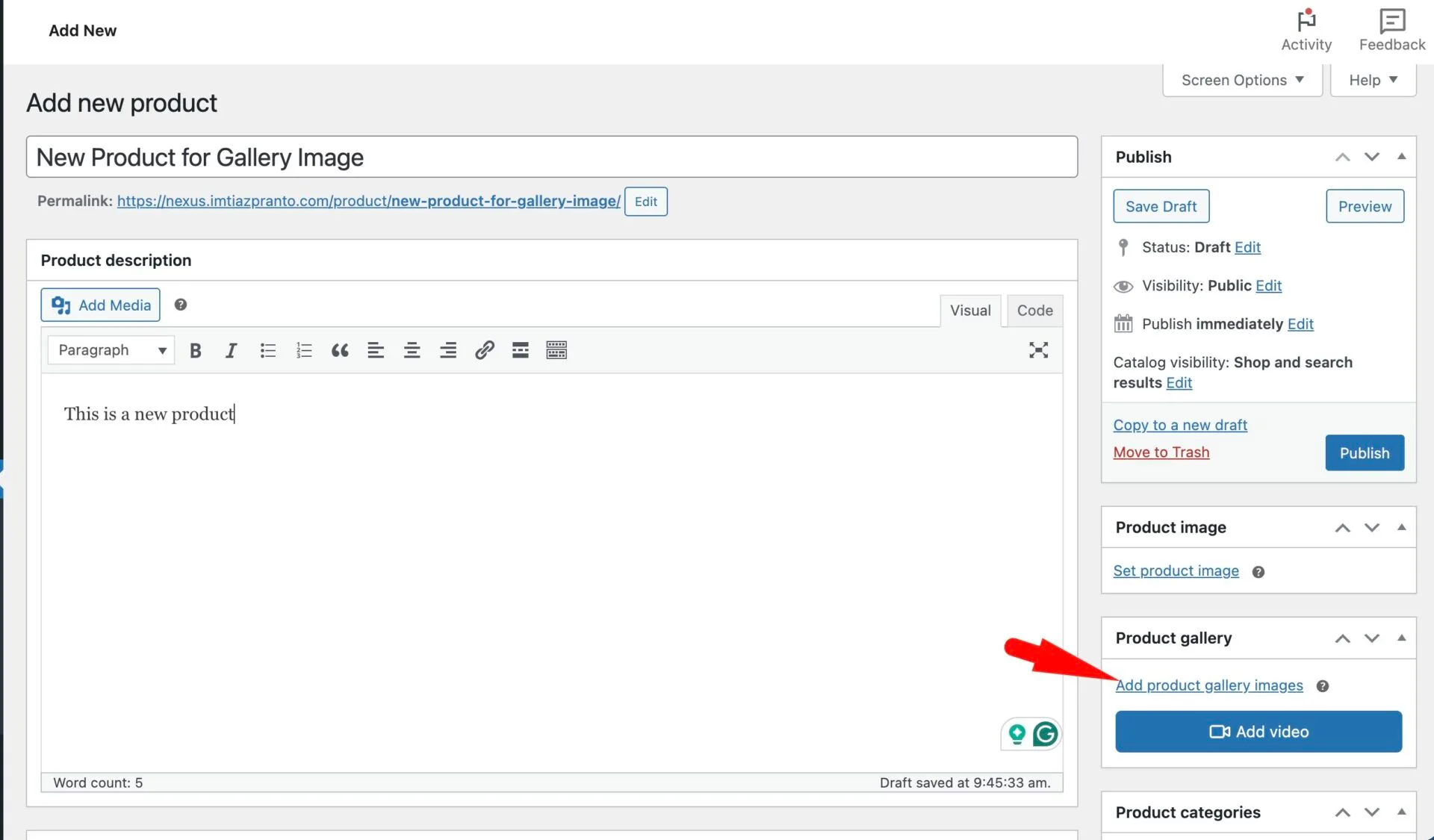
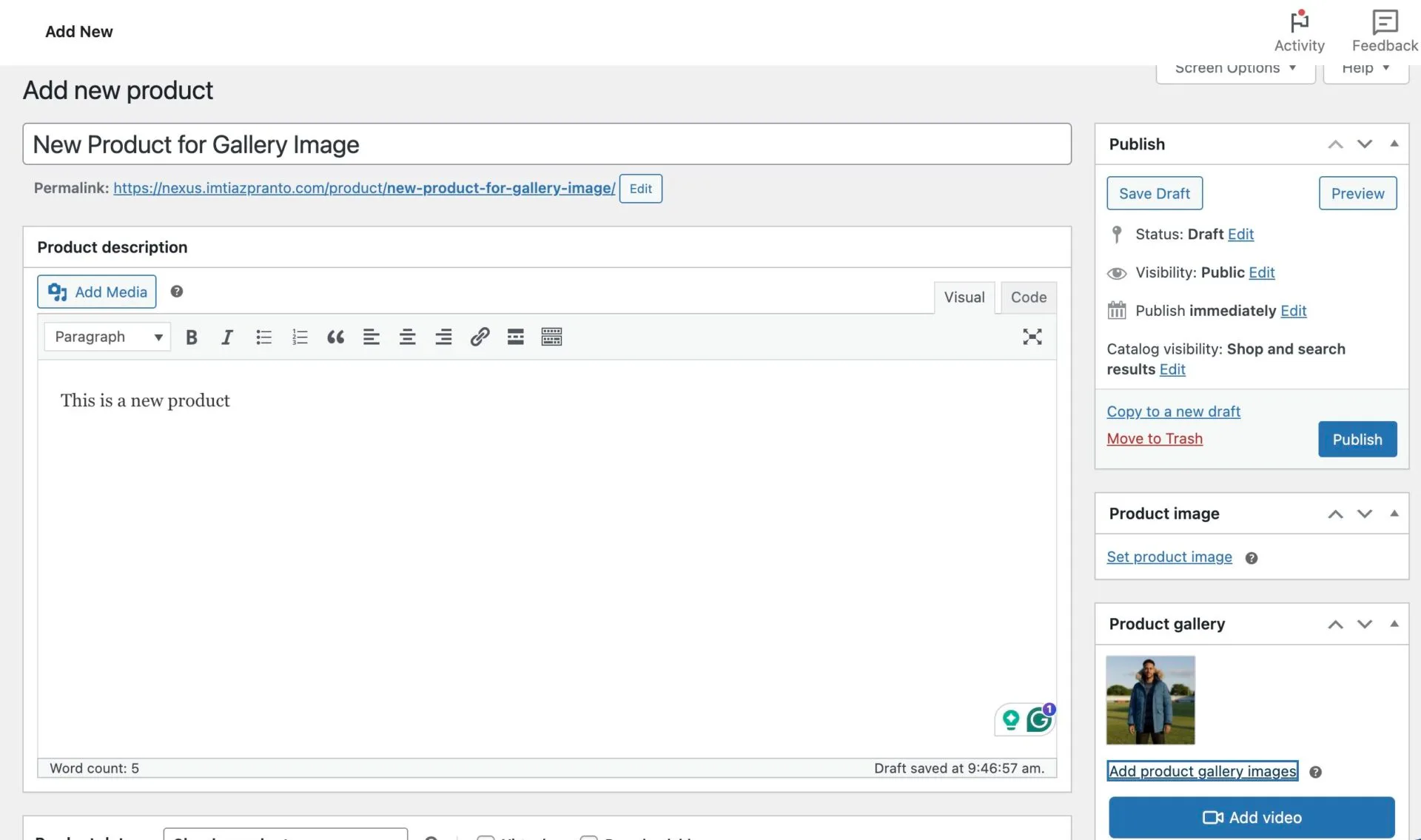
First, go to Products–> Add New. Give all the necessary information and click on the Add Product Gallery Images option-
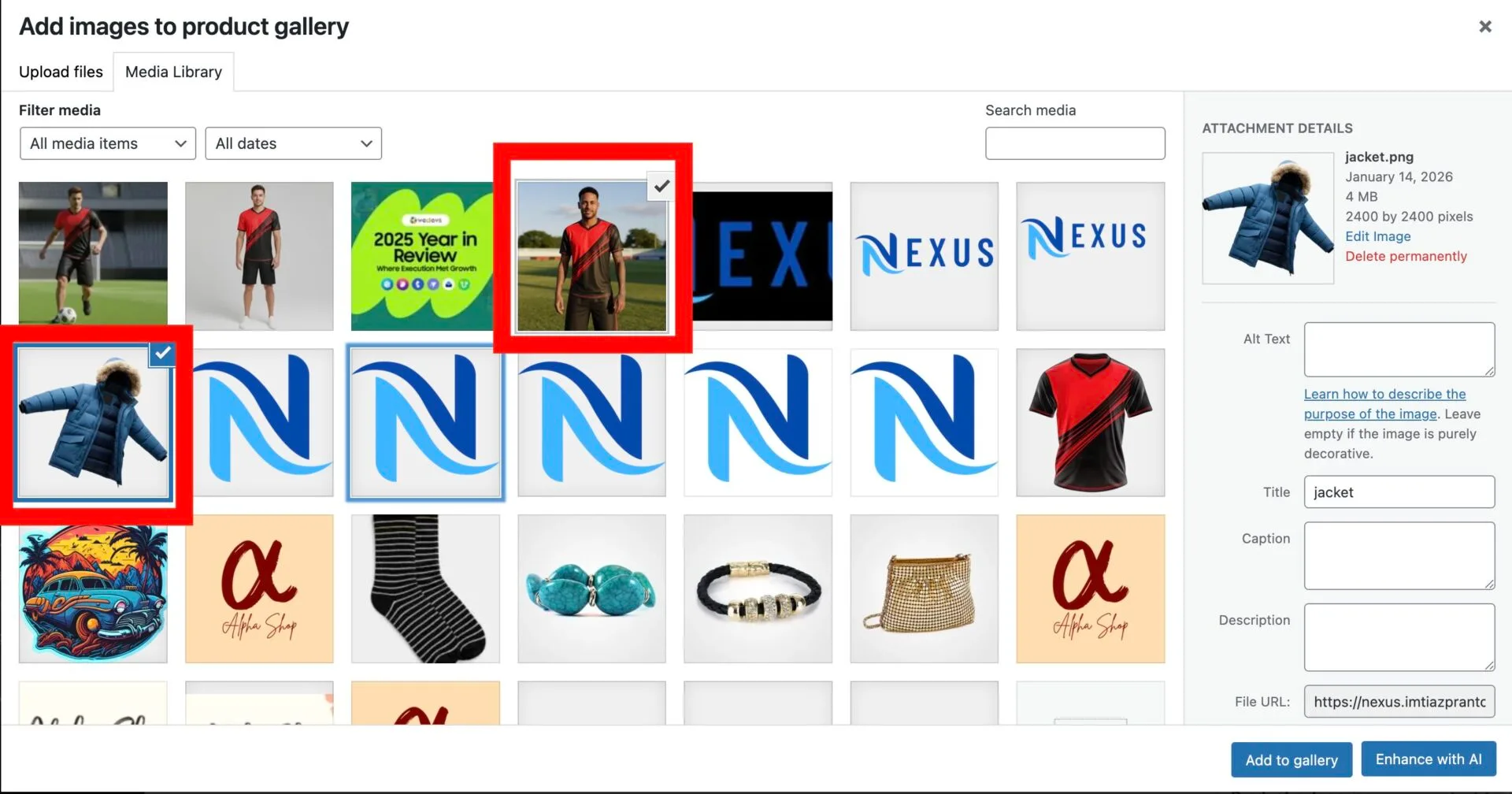
Then in the media library, choose multiple images and click on the Enhance with AI option-
Then you will get the pop-up. Enter the required data and give the required prompt. You will get the desired output-
You can click on the Add to Media Library to add the image to the product gallery-
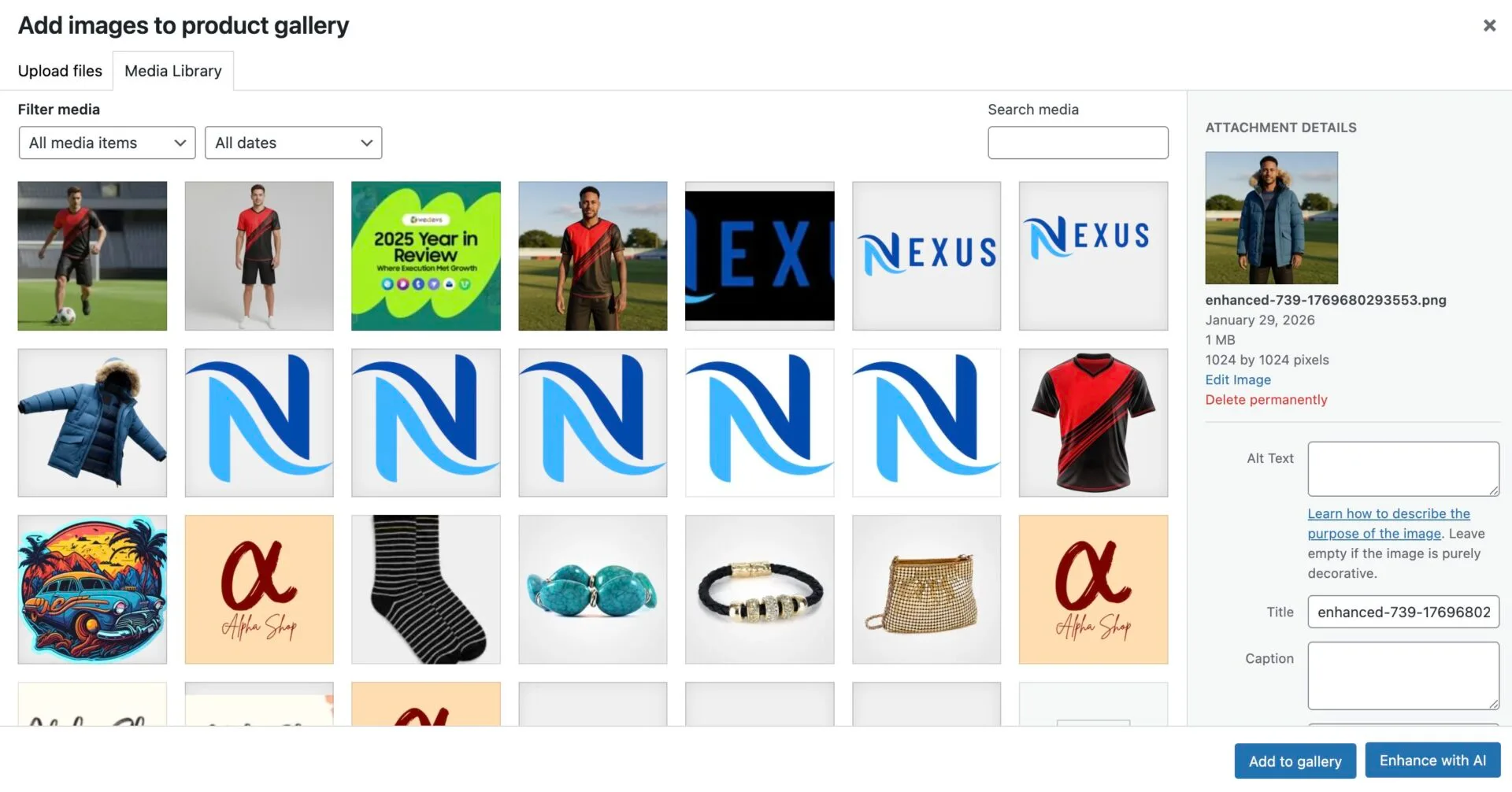
This is how you can create a product gallery image for your online store.
That’s it.