

How to Set Blog Feature Image
You can set a customized feature image for your blog post using the Try Aura Plugin.
Here is how you can do that.
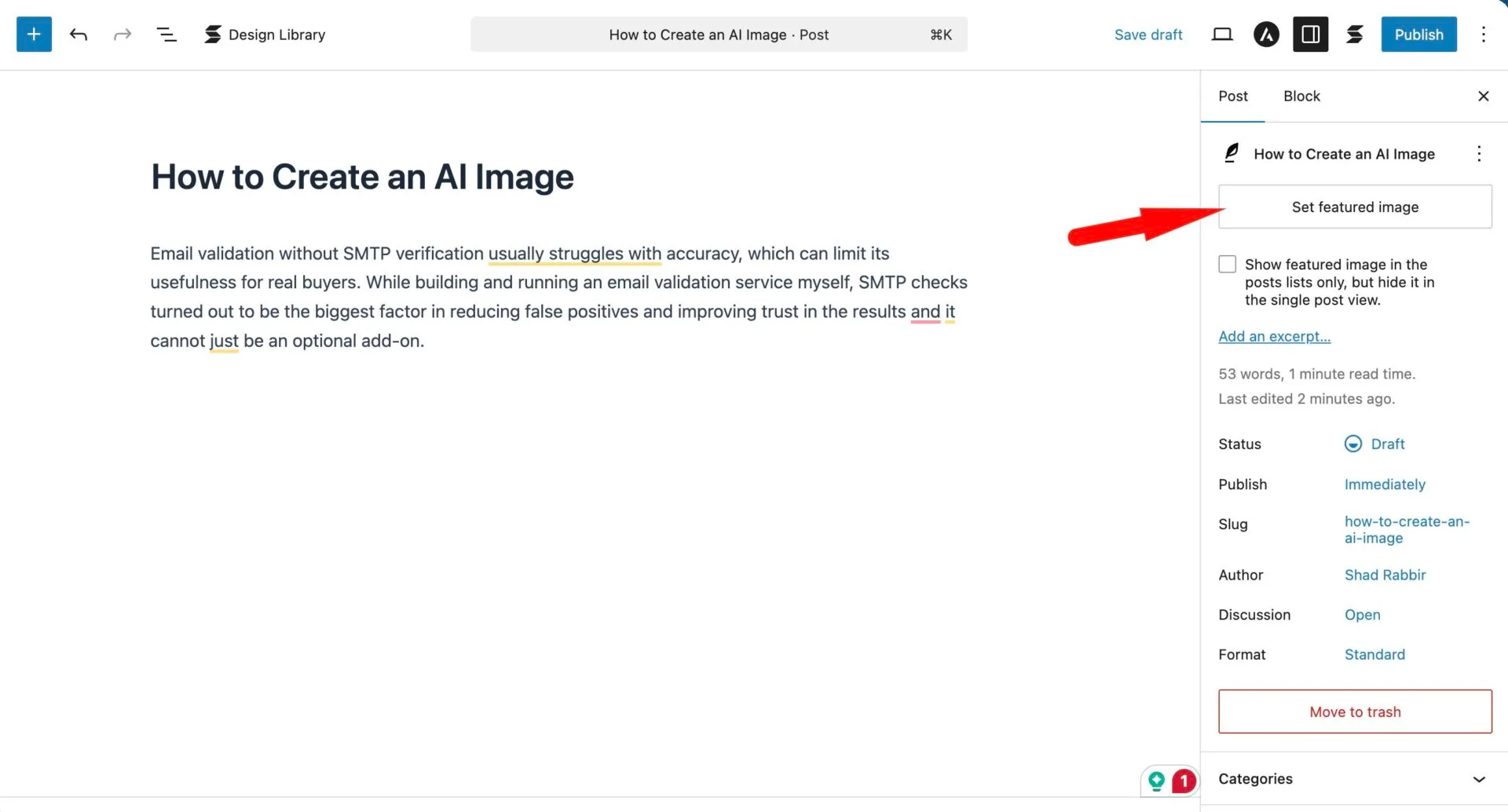
Choose any posts from Posts–> All posts. There click on the Set Feature Image option–
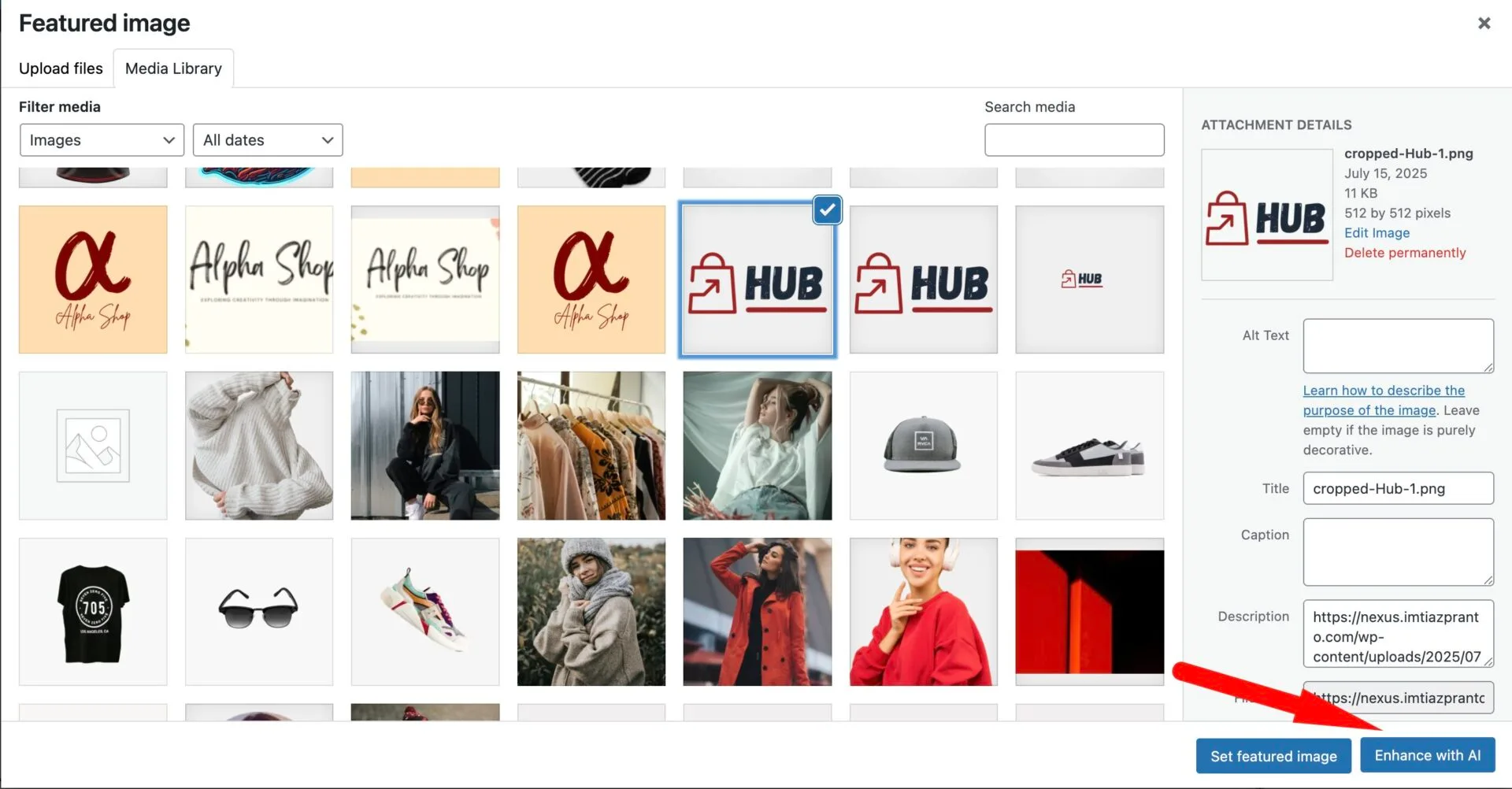
Then select any image, or the one you want to enhance. Then click on the Enhance with AI option on the bottom of the window-
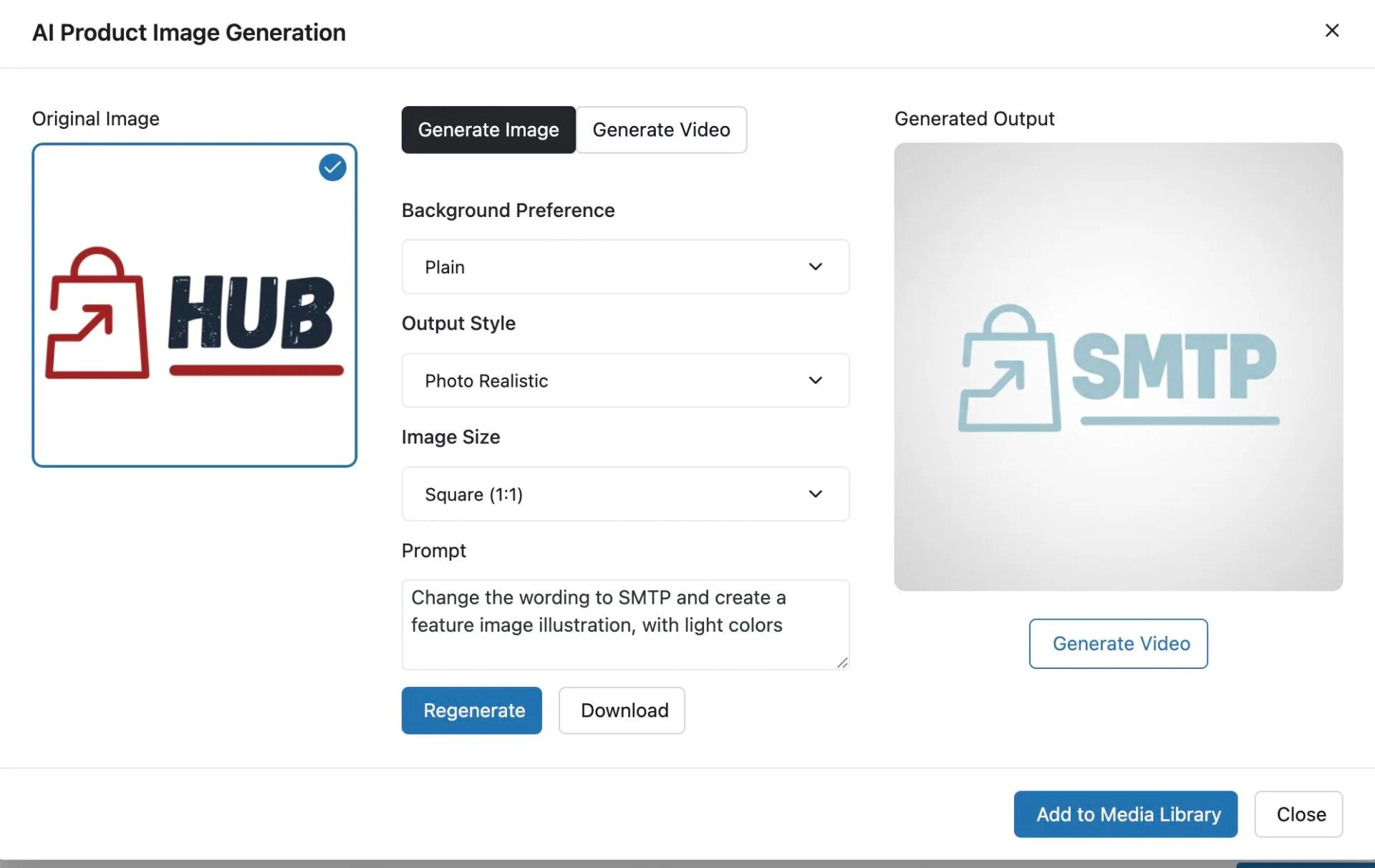
Then, in the next page, provide the necessary information, add the prompt, and add it to the media library.
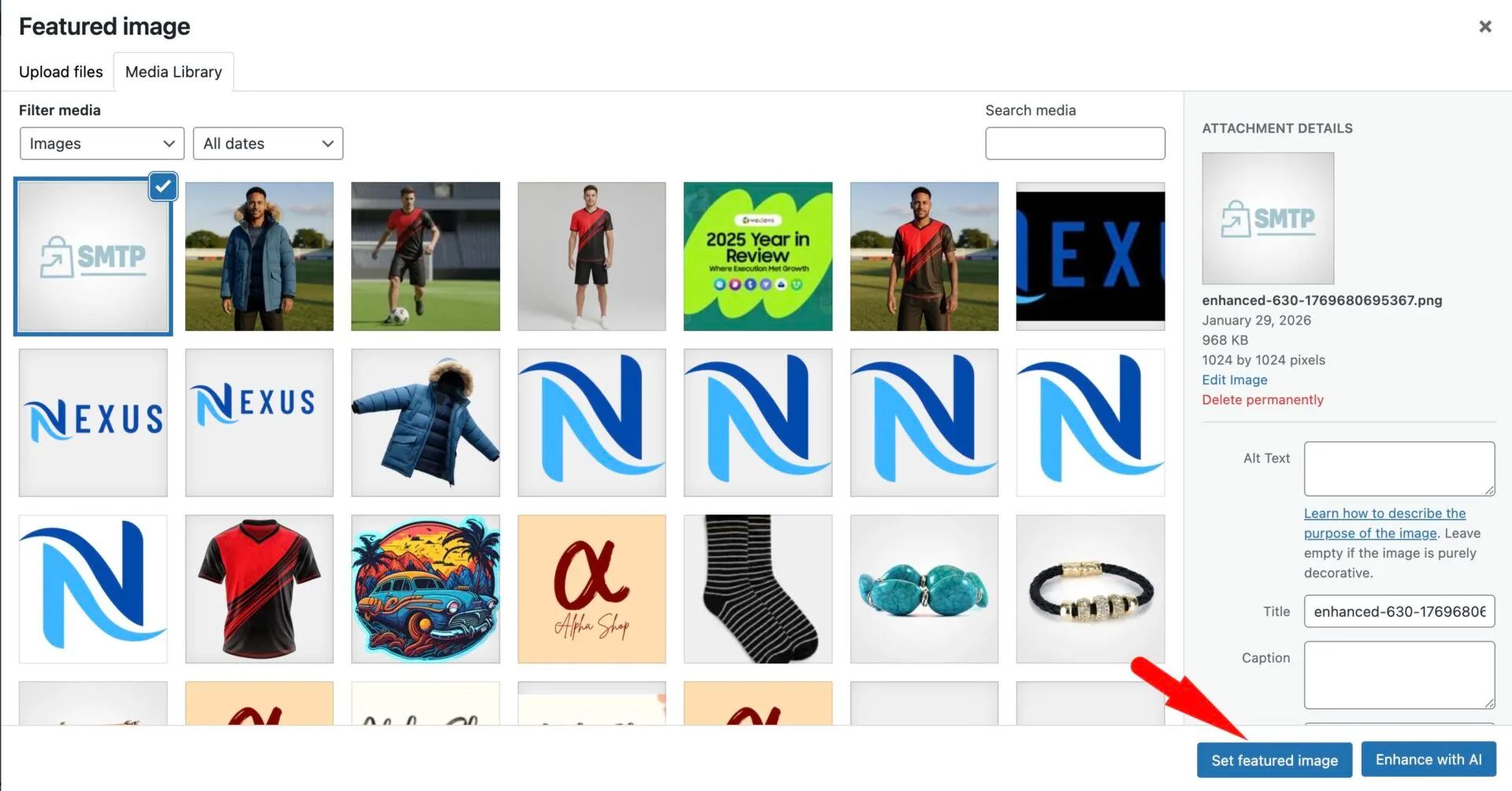
Then you can use the newly generated image as the feature image-
This is how easy it is.