

What is PocketStore?
PocketStore is a done-for-you service. One purchase and one form submission gets you a fully branded native iOS and Android app for your WooCommerce store. You do not manage any development or deployment yourself.
The service works through three layers:
- The StorePulse service team handles everything from form review to app store submission on your behalf.
- The AppBridge WordPress plugin connects your mobile app to WooCommerce. It handles real-time sync, push notifications, branding, and license validation.
- The native iOS and Android app. The customer-facing shopping app that your shoppers download and use.
Your app is listed under your own Apple Developer and Google Developer accounts. You own it. The StorePulse team builds and submits it using your developer account credentials.
Note: Your Apple Developer and Google Developer accounts must be provided by the client. The team submits through those accounts on your behalf, but the accounts belong to you.
You do not install or configure anything. The StorePulse team installs necessary plugins and configures using the WordPress credentials you provide in the Build Request Form.
How the Process Works
Section titled “How the Process Works”Firstly, you need to purchase PocketStore. Once you do that, check your email for a purchase confirmation. It includes instructions to log in to your StorePulse My Account.
When you create your account, you will see this screen.
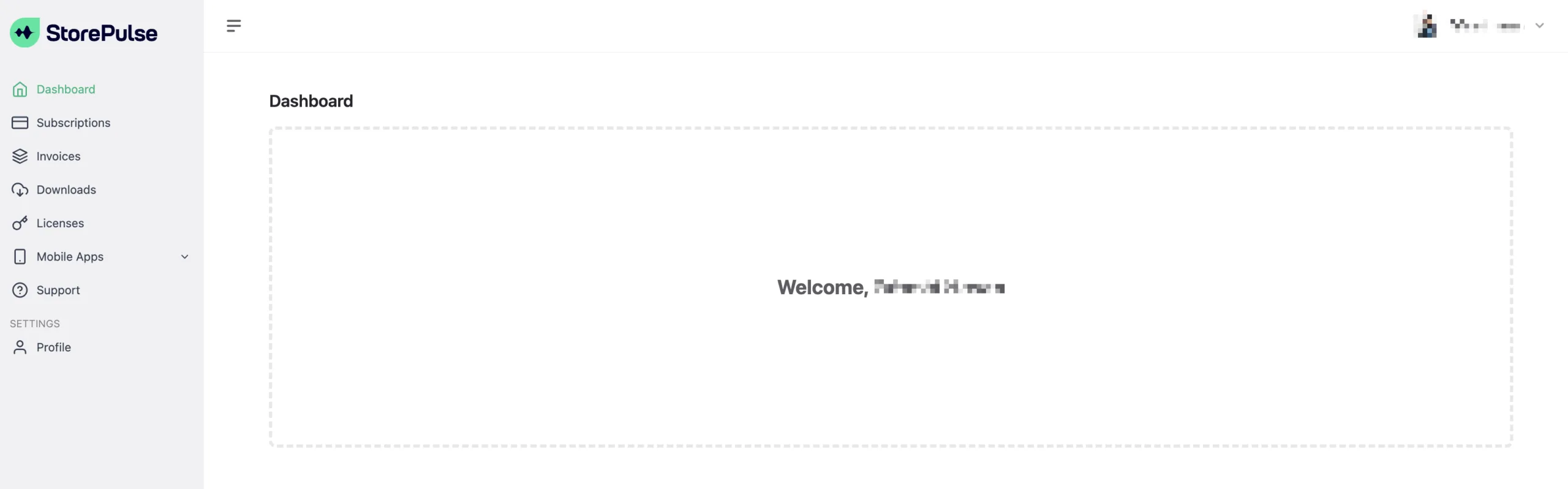
Once you’re set up, here’s what you will find:
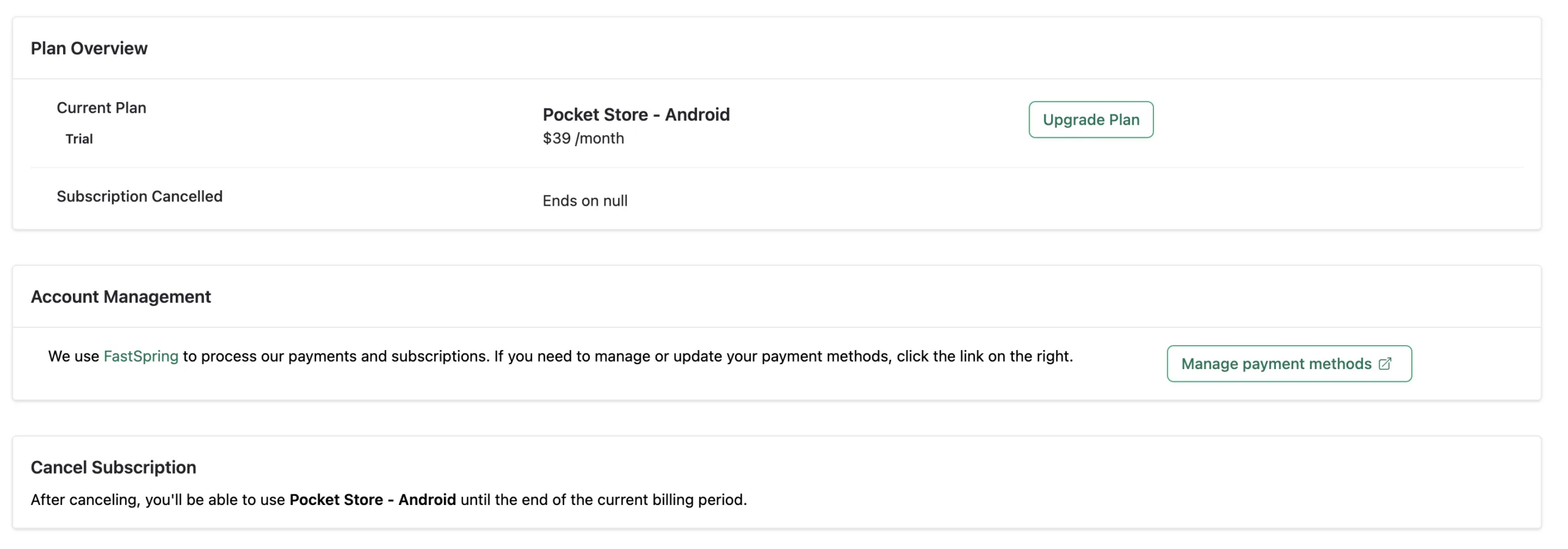
- Your PocketStore subscription will appear in the Subscriptions tab
- You will find the invoice for your purchase in the Invoices tab
- You will find the helper AppBridge plugin in the Downloads tab.
- The licenses tab contains the license code for AppBridge.
- In the Mobile Apps tab, you will find the Build Request Form.
To start off the process, you must fill out the build request form. If you need help during this process, please read our documentation on How To Prepare and Submit the Build Request Form.
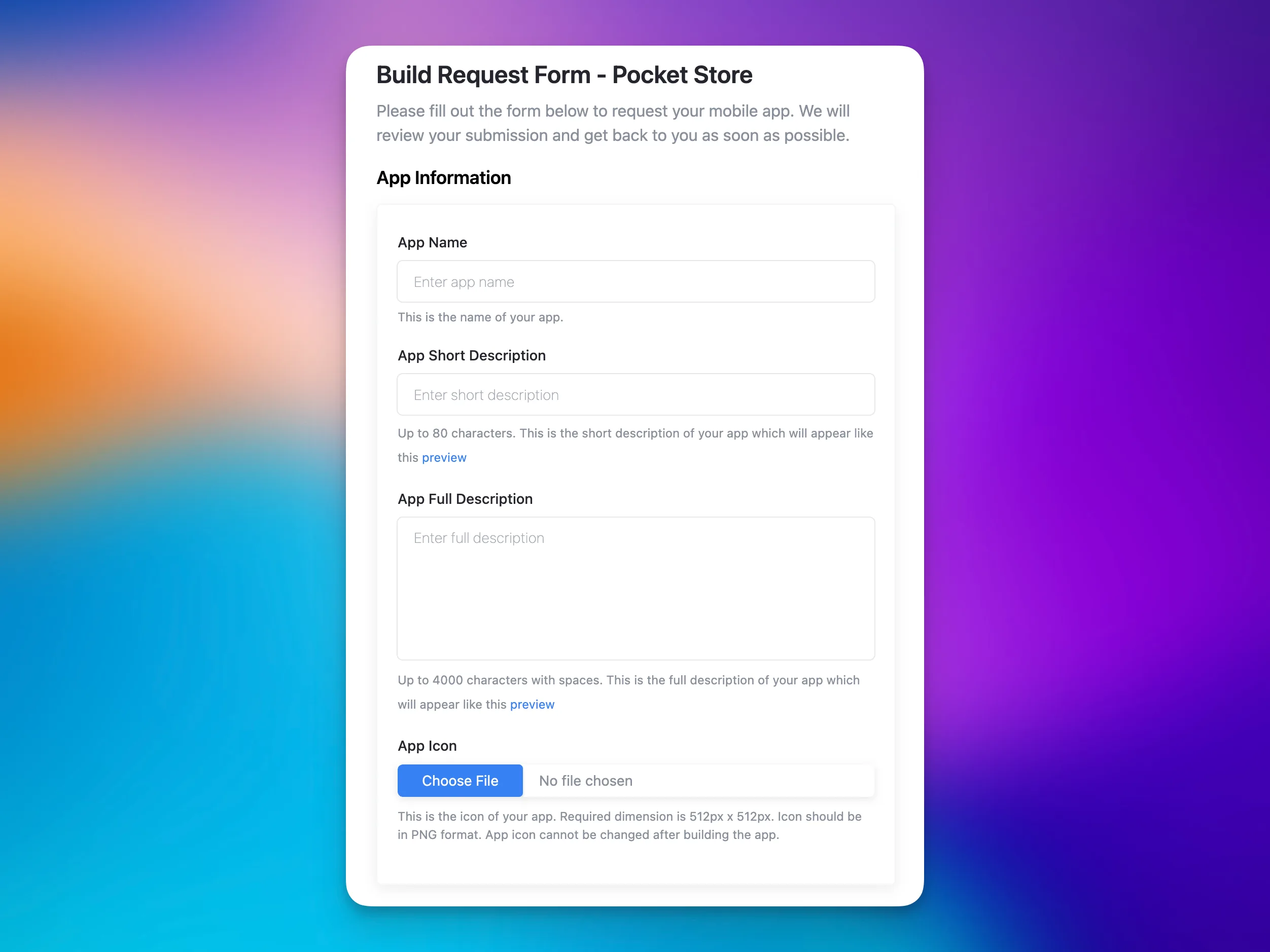
Once you have submitted the form, our support team reviews your submission. If anything is missing, they contact you by email.
We will then build your iOS and Android app, install AppBridge and configure everything: branding, welcome screen, colors, push notifications, sliders, pages, and languages.
AppBridge is the helper plugin that connects your mobile app to WooCommerce. It handles push notifications, branding, and license validation.
Once everything is completed, we run internal QA and testing against your live store. The team submits your apps to Apple App Store and Google Play using your developer accounts.
When the review process is completed and your apps are live, we will let you know with all the necessary guidance on how to use it.
What You Need to Do
Section titled “What You Need to Do”Your main task is gathering accounts, credentials, and assets before filling the form. Most of these are one-time setup steps.
- Create an Apple Developer account and a Google Developer account
- Set up a Firebase project (required for Android push notifications) and a OneSignal account (the push notification service PocketStore uses)
- Prepare your app icon
- Fill the Build Request Form
Apple Developer account approval can take 24 – 48 hours. Create your account before you expect to start the build process. If you would rather not manage any of this yourself, consider the PocketStore Care option when filling the form.
What Our Team Handles
Section titled “What Our Team Handles”Once you submit a complete form, the StorePulse team takes over. You do not need to manage any of the following:
- Installing AppBridge on your WordPress site
- Activating and configuring the license
- Configuring all settings: branding, welcome screen, colors, push credentials, sliders, pages, and languages
- Building the native iOS and Android apps
- Submitting to both app stores and managing the review process
What You Control
Section titled “What You Control”Once your app is live, you manage content and branding updates yourself through WordPress Dashboard > App Bridge. Most changes apply immediately. You do not need a rebuild or resubmission.
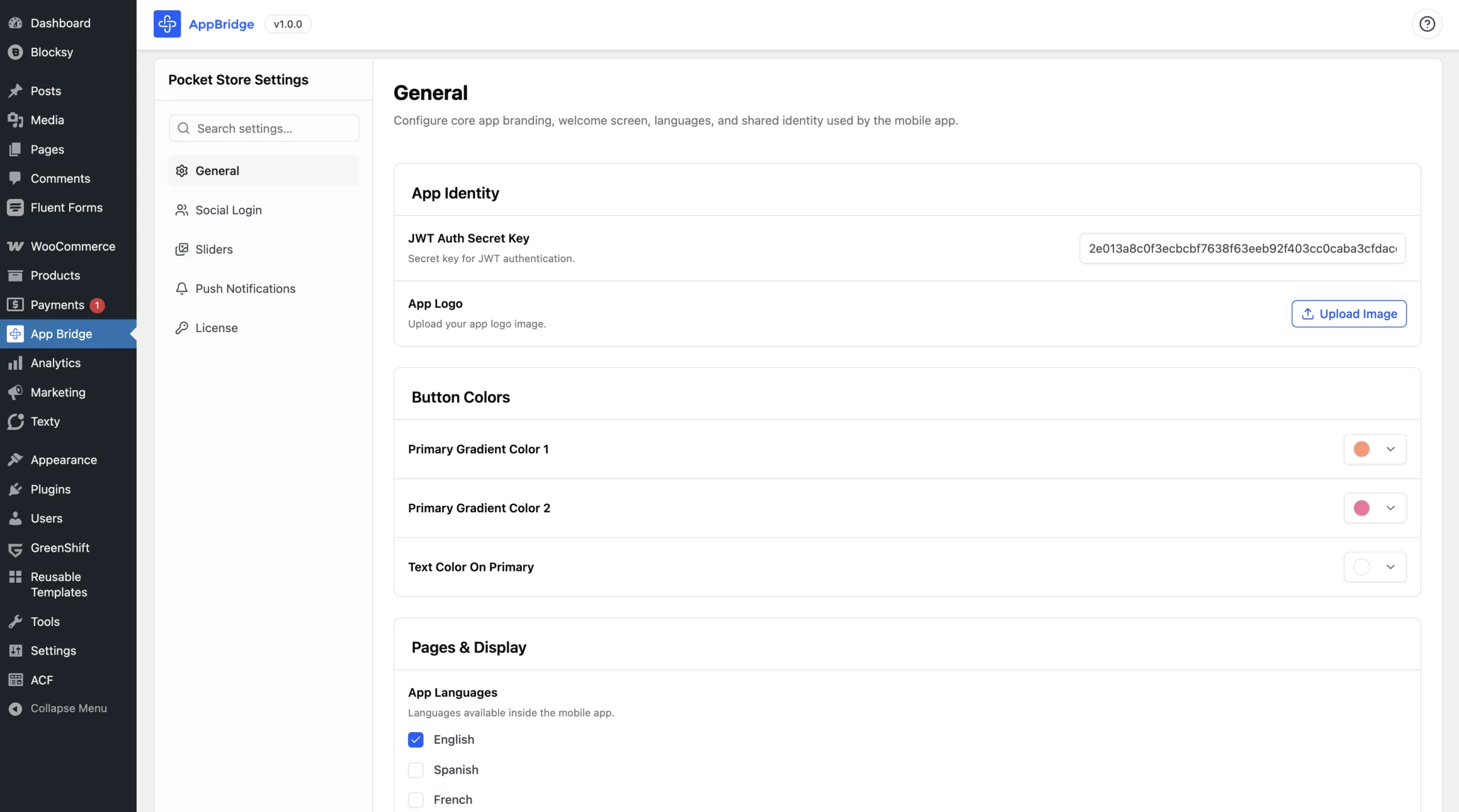
Things you can update yourself at any time:
- Sliders and banner images
- Push message text
- App logo and branding
Some changes require the StorePulse team to get involved:
- App name or icon change
- Splash screen change
- New features
For guidance on how to manage your app after launch, please read the documentation on Managing Your App.
Try Out The PocketStore Demo App
Section titled “Try Out The PocketStore Demo App”Before you purchase or while you’re waiting for your build, download the PocketStore demo app to see the experience your shoppers will get.
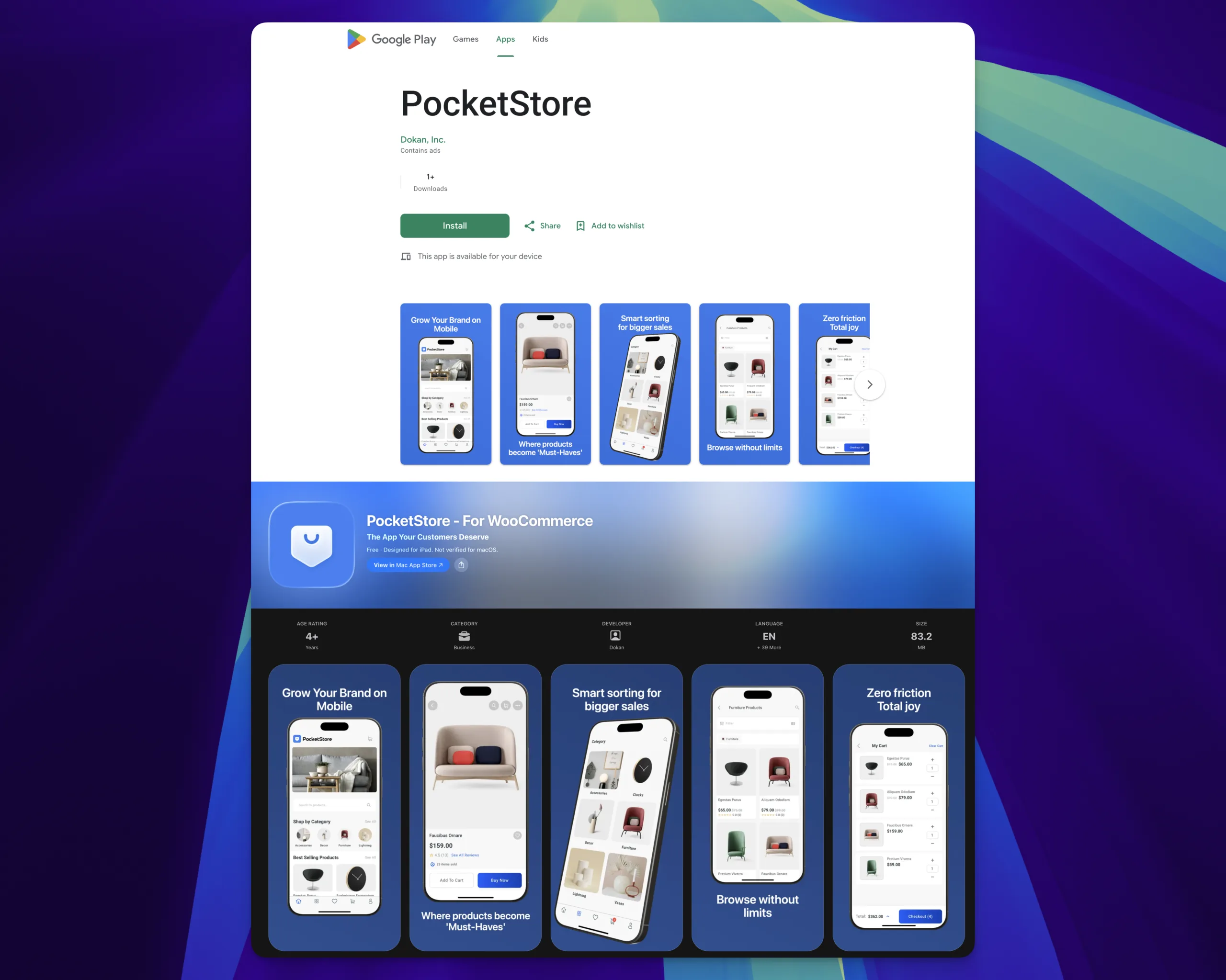
The demo shows a complete retail shopping experience:
- Product discovery: Featured and best-selling products, category browsing, search, and filtering
- Product pages: Pricing, descriptions, image galleries, ratings, and wishlist
- Checkout: Add to cart, adjust quantities, apply discount codes, choose shipping, add order notes, and select a payment method
- Account management: Order history, address book, profile settings, password changes, wishlist, language preferences, notification settings, and account deletion
The demo uses sample products. Your live app connects directly to your WooCommerce store and shows your real products, prices, and categories.

Get the app Manage your store, anywhere.


What’s Next
Section titled “What’s Next”Read Prepare and Submit the Build Request Form to see every item you need before you start. After filling out the form, our team will start developing your app.
In the meantime, you can work on your social logins credentials if you want to enable your users to login using Google, Facebook, Apple, etc.